 manyframe
Pick the outcome. Bring your point of view.
A character with a next chapter. A product with something to say. A campaign that belongs together. Start with the creative you need, then shape how it gets made.
Two different kinds of main character.
Let a cast carry the story, or give your product the spotlight. Both start with a direction you can edit and a plan you can review.
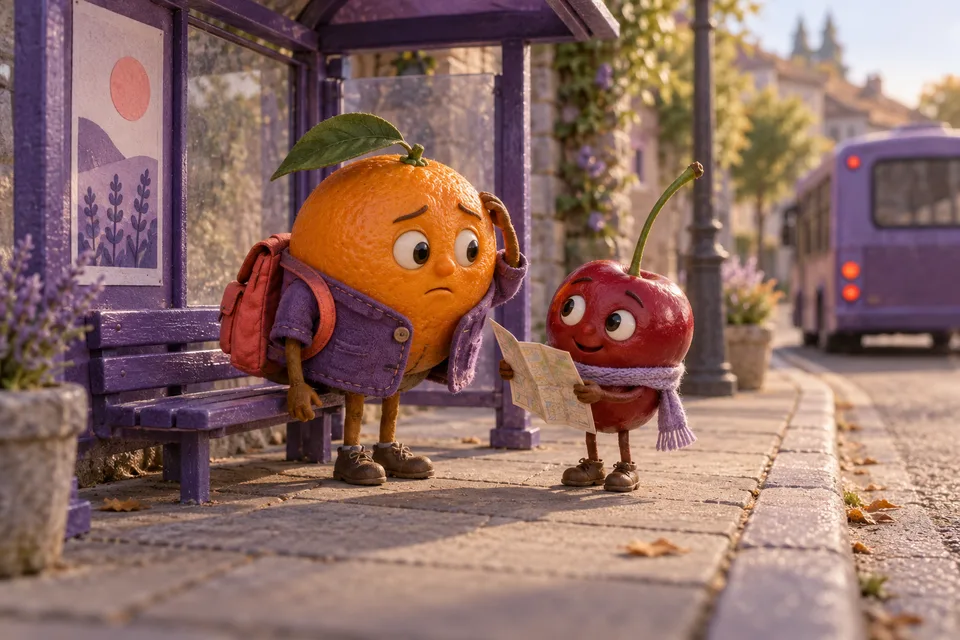 Concept illustration
Same cast. Next chapter.
AI Stories carries a character-led story through three or five scenes. Keep the story bible, review continuity, then continue with another episode.
AI Stories · Character continuity · Combined film Concept illustration
One product. Three angles.
Ads Generation pairs generated imagery with separately typeset copy. Edit each concept, approve the plan and export a coordinated set.
Ads Generation · Three static ads · 1080 × 1350What are you making next?
Choose by the finished creative. Each workflow keeps its own inputs, checkpoints and export bundle. Open a brief to see what happens at every stage.
| Workflow | Bring | Take away | Review |
|---|---|---|---|
| AI Stories | A premise, cast and setting; optional reference photos | A 3- or 5-scene character film, cover, caption and scene assets | Story bible → frames → continuity → animation |
| Ads Generation | Product references, brand kit and an ad brief | Three 1080 × 1350 static ads, preview and source ZIP | Editable concepts and copy → image quote |
| Marketing Generation | Product views, a factual benefit and creative direction | A three-beat 9:16 product video, cover, caption and scene assets | Scene plan → frames → product fidelity → animation |
| Product Motion | One clear product image and a motion direction | A silent, five-second 9:16 clip, cover and source ZIP | Reference and settings → live quote |
| Trend Story: Reveal | Product references, a benefit and an audience | A vertical problem–reveal–payoff story, cover and caption | Story plan → frames → product fidelity → animation |
| Local Business Content Pack | A business brief, campaign angle and private references | Three feed images, four channel captions and a grouped ZIP | Campaign plan → image quote |
Quotes depend on the available model and settings. Optional AI storyboard writing has its own text-model charge; frame and animation stages have separate approvals.
Your product can take a different path.
Use Product Motion for a single, focused clip. Choose Marketing Generation for a Product Demo or CGI Showcase. Trend Story: Reveal puts a problem, a reveal and a payoff into a three-beat social story.
For a neighborhood campaign, the Local Business Content Pack aligns images and channel captions around one business brief. Publishing is a separate action you review.
Generated artwork is creative material to inspect. Check product details, lettering, character continuity and factual claims before sharing it.
Your next workflow can be your own.
Use Canvas when the creative process needs several connected steps.
Connect prompts, supported image and video generation, and configured publishing destinations. Save the graph and review its pinned quote before a server run. Return to execution history after the page is closed.
Set schedules and spending limits explicitly for recurring work. Saving a draft or placing an item on a calendar does not authorize a paid run or social post.
Explore the creative Canvas
A good idea deserves a way forward.
Start with the workflow that fits your references and the creative you want to make.